
Percentage Calculator
Find percentages, calculate percentage change, and add or subtract percentages — instantly and accurately.
- Four Calculation Modes
- Instant Results
- Copy & Share Easily
- Works on Mobile
What is X% of Y?
X is what percentage of Y?
What is the percentage change?
Add or subtract a percentage from a number.
Enter your numbers above, then press Calculate.
A percentage calculator is one of the most useful tools you can keep bookmarked online. Whether you are figuring out a discount at a store, checking how much your test score improved, comparing two prices, or calculating a tip at a restaurant, percentages show up more often than most people realize.
This free percentage calculator on A2ZToolbox makes those calculations instant — no mental math, no spreadsheet, no mistakes.
You can find the percent of a number, work out what percentage one value is of another, calculate percentage increase or decrease, and add or subtract a percentage from any number.
All four modes are available in one clean tool, and every calculation runs instantly in your browser. There is nothing to install, no account to create, and no data sent anywhere. Just type your numbers and read the answer.
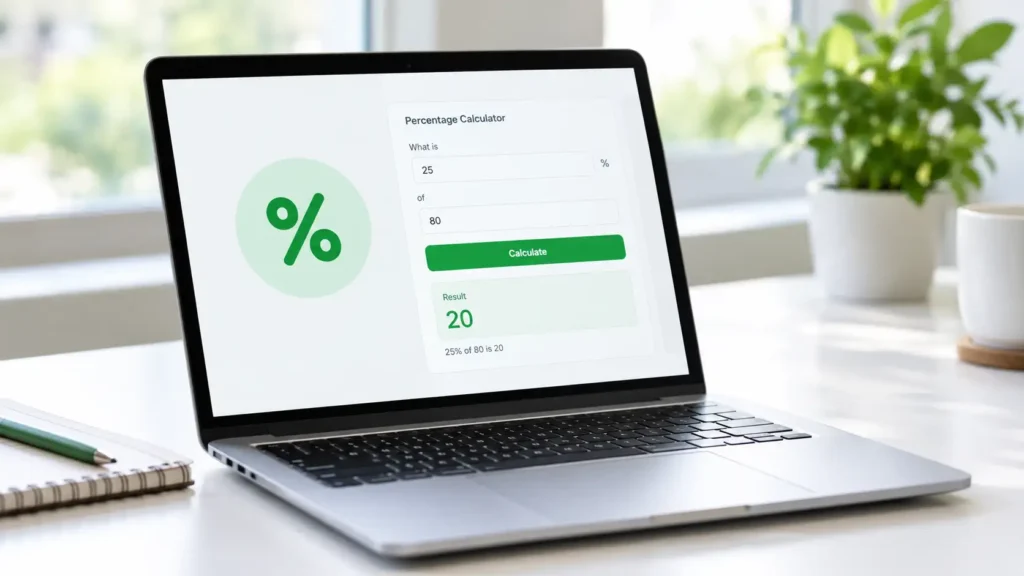
Table of Contents
What Is a Percentage Calculator?

A percentage calculator is a simple online tool that helps you work with percentages without writing formulas by hand. A percentage is a way of expressing a number as a fraction of 100. For example, 25% means 25 out of every 100, or one quarter of a whole. Percentages are used everywhere — interest rates, discounts, tax rates, tips, test scores, statistics, and business reports.
A percentage calculator takes the difficulty out of this math. Instead of memorizing formulas or reaching for a spreadsheet, you enter two numbers and get an accurate result in a fraction of a second. It is especially helpful when you need to compare numbers, check a discount, or verify a calculation quickly.
Percentages are also easier to understand than decimals or fractions in many real-life situations. Saying “this item is 30% off” is clearer to most people than saying “this item costs 0.7 times the original price.” That is why percentage calculators are so widely used across shopping, education, business, and personal finance.
This particular calculator covers four of the most common percentage tasks: finding a percentage of a number, finding what percentage one number is of another, calculating percentage change between two values, and adding or subtracting a percentage from a number. Together, these four operations cover nearly every percentage question you are likely to run into in daily life.
Percentages are a basic part of math that appears in nearly every subject. If you want to strengthen your understanding of the fundamentals, Khan Academy’s introduction to percentages offers a free, well-structured video lesson.
How to Use This Percentage Calculator
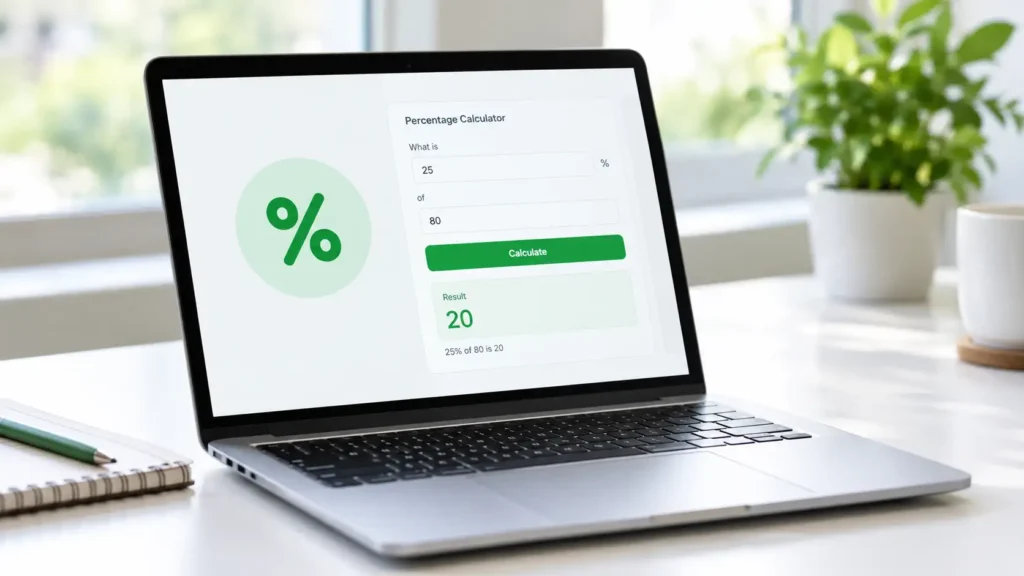
Using the calculator on this page is straightforward. There are four tabs above — each one handles a different type of percentage question. Pick the tab that matches what you want to find, enter your numbers, and press the Calculate button. The answer appears instantly in the results panel below the inputs.
Every mode follows the same simple flow:
- Choose a mode from the tabs.
- Type your numbers into the input fields. You can enter whole numbers, decimals, and even negative numbers where it makes sense.
- Press Calculate. The result appears immediately, along with the formula used, so you can see how the answer was reached.
- If you want to copy the result, press Copy Result. This is handy when you need to paste the answer into a document, message, or spreadsheet.
- To start over, press Clear. This empties the fields and resets the result panel.
A few notes about the tool:
- All calculations happen instantly in your browser. Nothing is uploaded to a server.
- You can use the calculator as many times as you want without a page reload.
- Keyboard users can press Enter inside an input field to calculate.
- Tab buttons can be navigated with the arrow keys.
- If a value is missing or invalid, a short message will appear — no pop-ups or technical jargon.
The calculator is designed to work on any device — phones, tablets, laptops, and desktops. The layout adjusts automatically so that inputs and buttons stay easy to tap on small screens.
The Four Calculation Modes Explained
Each tab in the calculator does something different. Here is what each mode is for and when you would use it.
Find a Percentage (X% of Y)
This mode answers the question: what is a given percentage of a number? For example, “What is 15% of 200?” The answer is 30. You would use this mode when you want to calculate a discount amount, a tax value, a tip, or any situation where you need a fixed percentage of a base number.
Calculate What Percentage (X is what percent of Y)
This mode answers: one number is what percentage of another number? For example, “50 is what percentage of 200?” The answer is 25%. You would use this mode when comparing a part to a whole — like a test score (how many correct out of how many total), a sales figure versus a target, or a portion of a budget.
Percentage Increase or Decrease
This mode answers: what is the percentage change between two values? For example, if a price goes from 80 to 100, that is a 25% increase. If it goes from 100 to 80, that is a 20% decrease. You would use this mode when tracking price changes, growth rates, weight changes, population changes, or any before-and-after comparison.
Add or Subtract a Percentage
This mode answers: what is the result when you add or subtract a percentage from a number? For example, “100 plus 15%” gives 115, and “100 minus 15%” gives 85. You would use this mode when applying a discount, adding tax, calculating a markup, or adjusting a value by a fixed percentage.
Each mode is designed to answer one specific type of question clearly and without extra steps.
Percentage Formulas You Should Know
You do not need to memorize formulas to use this calculator, but understanding them helps you check results and understand what is happening behind the scenes.
1. Finding a Percentage of a Number
- Formula:
(Percentage ÷ 100) × Number - Example: 15% of 200 = (15 ÷ 100) × 200 = 0.15 × 200 = 30
2. Finding What Percentage One Number Is of Another
- Formula:
(Part ÷ Whole) × 100 - Example: 50 out of 200 = (50 ÷ 200) × 100 = 0.25 × 100 = 25%
3. Percentage Increase or Decrease
- Formula:
((New Value − Original Value) ÷ Original Value) × 100 - Example (increase): Original = 80, New = 100 → ((100 − 80) ÷ 80) × 100 = 25% increase
- Example (decrease): Original = 100, New = 80 → ((80 − 100) ÷ 100) × 100 = −20% (a 20% decrease)
Note: If the original value is zero, the percentage change is undefined because the formula requires dividing by zero.
4. Adding or Subtracting a Percentage
- Formula:
Number ± ((Percentage ÷ 100) × Number) - Example (add): 100 + 15% = 100 + 15 = 115
- Example (subtract): 100 − 15% = 100 − 15 = 85
These four formulas cover almost every percentage question you will encounter day to day.
Practical Percentage Examples
Here are real-world scenarios where a percentage calculator saves time and prevents mistakes.
Discounts and Sales
- A jacket that normally costs $120 is on sale for 30% off. Using the “Add or Subtract a Percentage” mode, you quickly find the discount is $36 and the sale price is $84. No need to guess.
Test Scores and Grades
- You scored 42 out of 50 on an exam. Using the “What Percentage” mode, you enter 42 as the part and 50 as the whole. The result is 84% — an easy way to know your grade.
Price Changes
- A stock you were watching moved from $80 to $100. Using the “Percentage Increase or Decrease” mode, you find that is a 25% increase. If it drops from $100 to $80, that is a 20% decrease — a useful reminder that percentage changes are not symmetric.
Tips at a Restaurant
- Your bill is $48 and you want to leave a 20% tip. Using the “Find a Percentage” mode, 20% of 48 is $9.60. You can also use “Add a Percentage” to see the total $57.60.
Tax Calculations
- A product costs $250 and the sales tax is 8%. Using “Add a Percentage”, the tax amount is $20 and the final price is $270.
Weight and Fitness Tracking
- You started at 180 pounds and now weigh 165. Using the “Percentage Change” mode, that is about a 8.33% decrease.
Business and Finance
- Revenue grew from $50,000 to $62,500 over a year. The percentage increase is 25%. Comparing that against a target of 20% instantly tells you whether the goal was met.
These examples show how the same four modes can handle almost anything from a shopping trip to a business report.
Percentage Calculator vs Manual Calculation
You can absolutely calculate percentages by hand — the formulas are not complicated. But a calculator saves time, removes mistakes, and lets you check results quickly.
Doing it manually is fine for simple cases like 10% of 100, but it gets trickier with decimals, large numbers, or multi-step problems. Rounding errors pile up, especially when comparing several values. And when you are shopping, working, or studying, mental math is often the last thing you want to spend energy on.
A percentage calculator gives you a fast, consistent answer every time. It also shows you the formula used, which helps you learn the process instead of just getting the number. Over time, you will start to recognize common percentages (10%, 25%, 50%) and their equivalents in everyday life.
For occasional use, manual math is fine. For anything repeated or important, the calculator is faster and more reliable.
Frequently Asked Questions
What is a percentage calculator?
A percentage calculator is an online tool that calculates percentages instantly. It can find a percentage of a number, find what percentage one number is of another, calculate the percentage change between two values, and add or subtract a percentage from a number.
How do I calculate a percentage of a number?
Multiply the number by the percentage divided by 100. For example, 15% of 200 is (15 ÷ 100) × 200 = 30. You can also use the first tab in the calculator to get the same answer instantly.
How do I find what percentage one number is of another?
Divide the part by the whole and multiply by 100. For example, 50 out of 200 is (50 ÷ 200) × 100 = 25%.
How do I calculate percentage increase or decrease?
Subtract the original value from the new value, divide by the original value, and multiply by 100. For example, going from 80 to 100 is ((100 − 80) ÷ 80) × 100 = 25% increase.
Why is percentage change undefined when the original value is zero?
Because the formula divides by the original value. Dividing by zero has no defined result in mathematics, so percentage change cannot be calculated when the starting value is zero.
Can I use this calculator on my phone?
Yes. The calculator is fully responsive and works on phones, tablets, laptops, and desktops.
Is this percentage calculator free?
Yes, it is completely free. There is no signup, no limit, and no cost.
Does the calculator send my data anywhere?
No. All calculations happen locally in your browser. Nothing is uploaded, stored, or shared.
Can I use decimals and negative numbers?
Yes. The calculator accepts decimal values and negative numbers where they make mathematical sense. For example, you can calculate a percentage change that produces a negative result (a decrease).
Does the calculator show the formula?
Yes. After each calculation, the result panel shows the formula used so you can see how the answer was produced.
Percentages are part of everyday life — from shopping to studying to running a business. This free percentage calculator is designed to make those calculations quick, accurate, and stress-free. Bookmark this page so you always have a fast way to work with percentages whenever you need it.