
Word Counter
Count words, characters, sentences, paragraphs, lines, and reading time instantly — free, private, and works on any device.
- Instant Live Count
- Reading & Speaking Time
- TXT & PDF Download
- Works on Mobile
What is a Word Counter?
A word counter is a simple online tool that instantly tells you how many words, characters, sentences, paragraphs, and lines are in a piece of text. It also estimates how long it would take to read or speak the text aloud.
Writers, students, and professionals use word counters every day to meet assignment limits, optimise blog posts, or prepare speeches. This free tool works entirely in your browser — nothing is uploaded or stored on any server.
Whether you are writing a 500-word essay, a 2,000-word blog post, or a short social media caption, a word counter helps you stay within your target length and improve the overall quality of your writing.
How to Use the Word Counter
Using this tool takes only a few seconds:
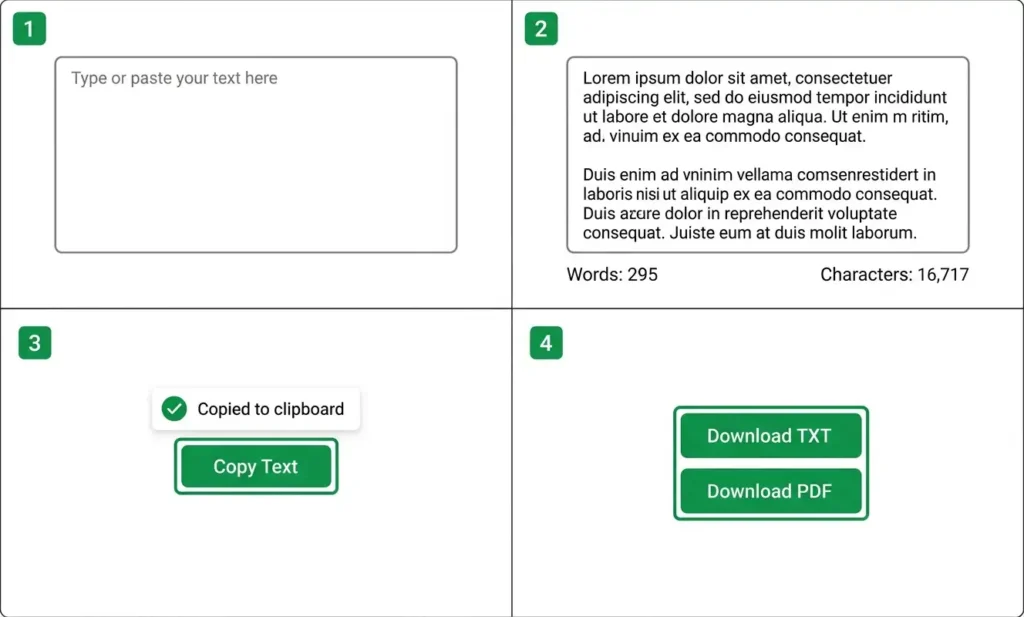
- Type or paste your text into the large editor above.
- Watch the counters update instantly as you type, paste, or edit.
- Use the action buttons to clear, copy, download as TXT, download as PDF, or paste text.
- Apply text utilities like UPPERCASE, lowercase, Capitalize Sentences, Title Case, or Remove Extra Spaces if needed.
- Check reading and speaking time to plan your content length.
No sign-up, no installation, and no page reloads — everything happens live as you type.
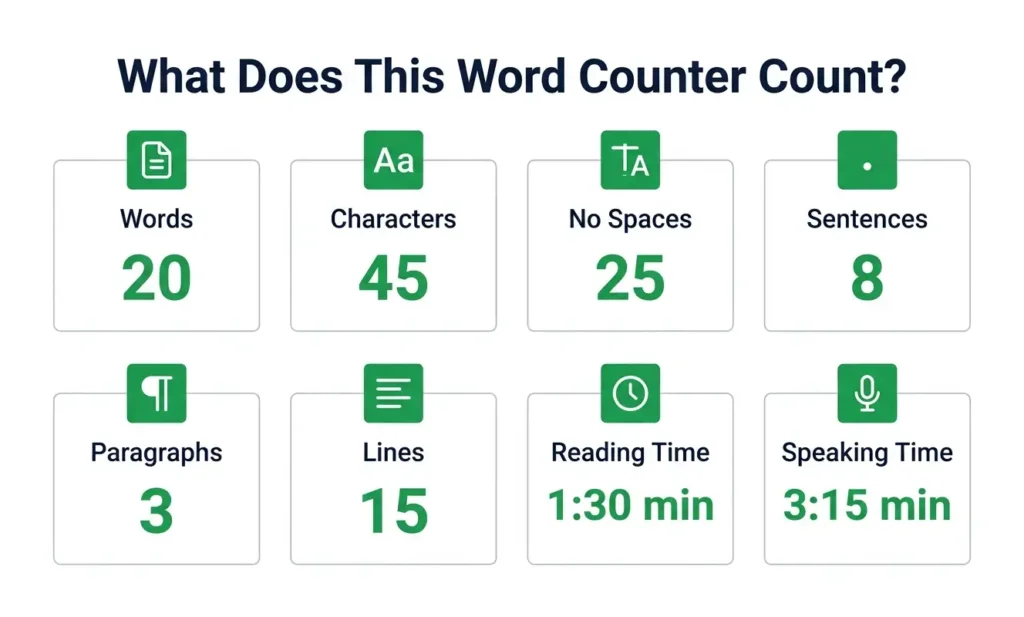
What Does This Word Counter Count?
Our tool tracks eight essential metrics at once:
- Words — sequences of letters, numbers, and symbols separated by spaces or punctuation.
- Characters — every letter, number, space, punctuation mark, and symbol.
- Characters without spaces — all characters except spaces, tabs, and line breaks.
- Sentences — groups of words ending with a period, exclamation mark, or question mark.
- Paragraphs — blocks of text separated by one or more blank lines.
- Lines — each line of text based on line breaks.
- Reading time — estimated at 200 words per minute.
- Speaking time — estimated at 130 words per minute.
Each value updates the moment you make a change.
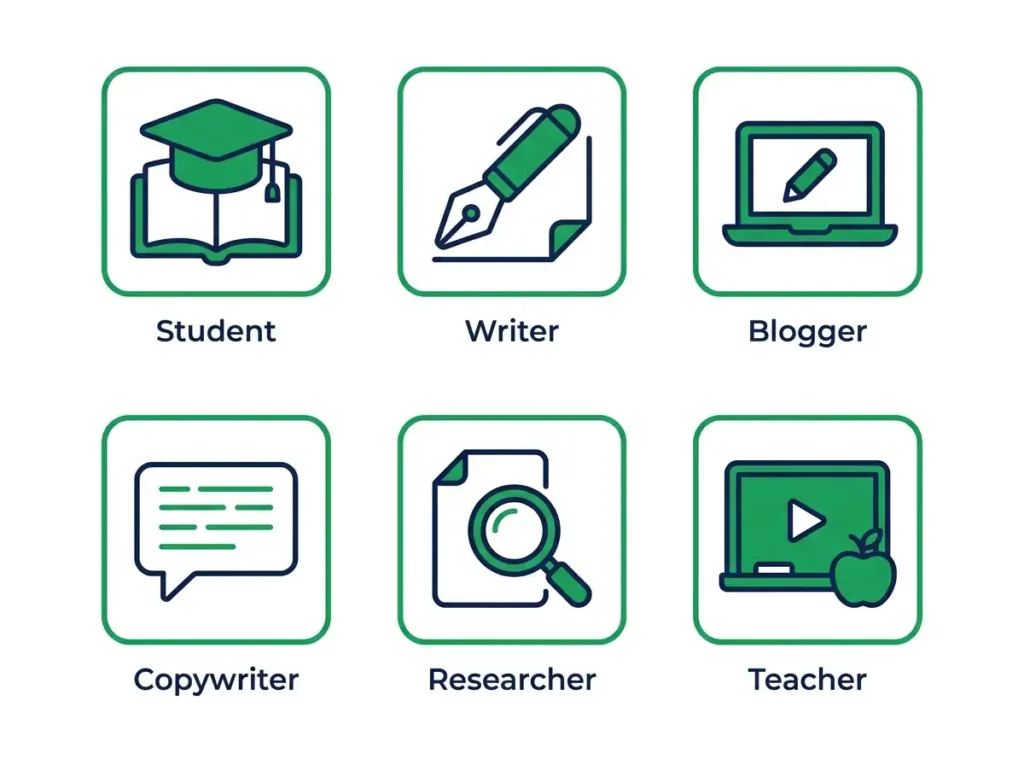
Who Can Use a Word Counter?
This tool is useful for a wide range of people:
- Students writing essays, assignments, or research papers with strict word limits.
- Writers tracking daily word goals for novels, articles, or journals.
- Bloggers optimising post length for SEO and reader engagement.
- Content creators planning scripts for videos, podcasts, or presentations.
- Copywriters checking ad copy, product descriptions, and taglines.
- Researchers preparing abstracts and papers for publication.
- Teachers grading assignments and creating lesson materials.
- Freelancers submitting proposals and deliverables within client word counts.
- SEO professionals writing meta descriptions, titles, and blog content.
- Social media managers crafting captions within platform character limits.
Whether you write 50 words or 50,000, the tool stays fast and accurate.
Why Choose This Word Counter?
There are many word counters online — here is why this one stands out:
- 100% Free — no hidden charges, no premium tier, no sign-up required.
- 100% Private — your text never leaves your browser. Nothing is uploaded or stored on any server.
- Instant Updates — the counter recalculates in real time as you type or paste.
- TXT and PDF Download — export your text or a full statistics report in one click.
- Text Utilities Included — convert case, capitalise sentences, and clean up extra spaces without leaving the page.
- Works on Any Device — desktop, tablet, and mobile — with a fully responsive layout.
- No Ads, No Tracking — just a clean, focused tool that does one job well.
Frequently Asked Questions
What is a word counter?
A word counter is a tool that counts the number of words, characters, sentences, and paragraphs in a piece of text. It helps you meet word limits, improve readability, and plan content length.
How does a word counter work?
It analyses the text you type or paste and uses rules to split the text into words, sentences, and paragraphs. It then counts each element and calculates reading and speaking times based on average speeds.
How do I count words in a text?
Simply paste your text into the editor above. The word count updates instantly as you type or paste. No button presses are needed.
Does the word counter count spaces?
The character count includes spaces. The “Characters without spaces” count excludes spaces, tabs, and line breaks. Word count does not count spaces as words.
What is the difference between word count and character count?
Word count tells you how many words are in your text. Character count tells you how many individual characters (letters, numbers, spaces, punctuation) are present. Both are useful for different purposes.
Can I count words on my phone?
Yes. This tool is fully mobile-friendly and works on any smartphone or tablet with a modern browser. The layout adapts to small screens for comfortable use.
Is this word counter free?
Yes, it is completely free to use. There are no hidden charges, sign-ups, or limits on the amount of text you can count.
Is my text stored or uploaded?
No. All processing happens in your browser. Your text never leaves your device and is not stored or uploaded anywhere.
How is reading time calculated?
Reading time is estimated using an average speed of 200 words per minute. The result is shown in minutes and seconds for convenience.
Can I use this tool for essays and assignments?
Absolutely. Students commonly use word counters to ensure their essays meet required word counts. This tool gives you instant feedback as you write or edit.
Can I download my text as a PDF?
Yes. Click the “Download PDF” button and the tool will generate a clean PDF report containing your statistics and full text.
Does the tool work offline?
Yes. Once the page is loaded, all counting happens locally in your browser. No internet connection is needed for the counters to work.
How is reading time calculated?
Reading time is estimated using an average speed of 200 words per minute, which is a common benchmark for adult reading.
Start Counting Words Now
Scroll up to the editor, paste your text, and watch the word counter update in real time.
Whether you are writing an essay, drafting a blog post, preparing a speech, or simply curious about your text length — this tool gives you instant, accurate results without any sign-up or cost.
Your text stays in your browser. We do not upload or store your text.